


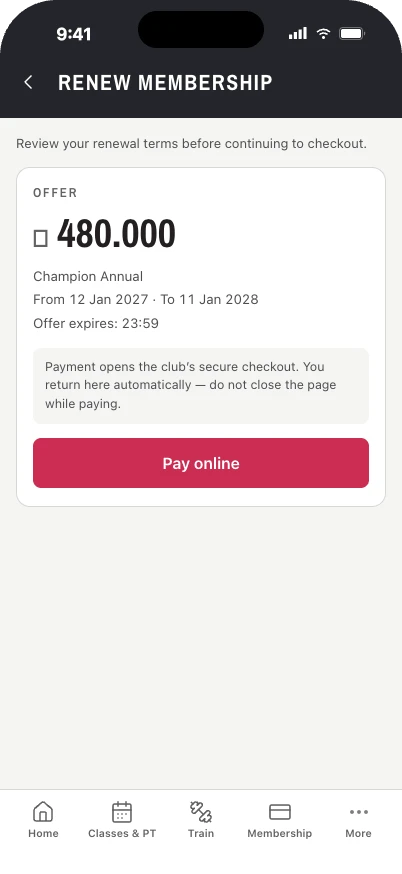
Access and attendance
Member entitlements connect with the club's entry terminals and attendance record.

From the door to the next renewal, Metropolitan brings club operations and member services into one system.
Explore the platform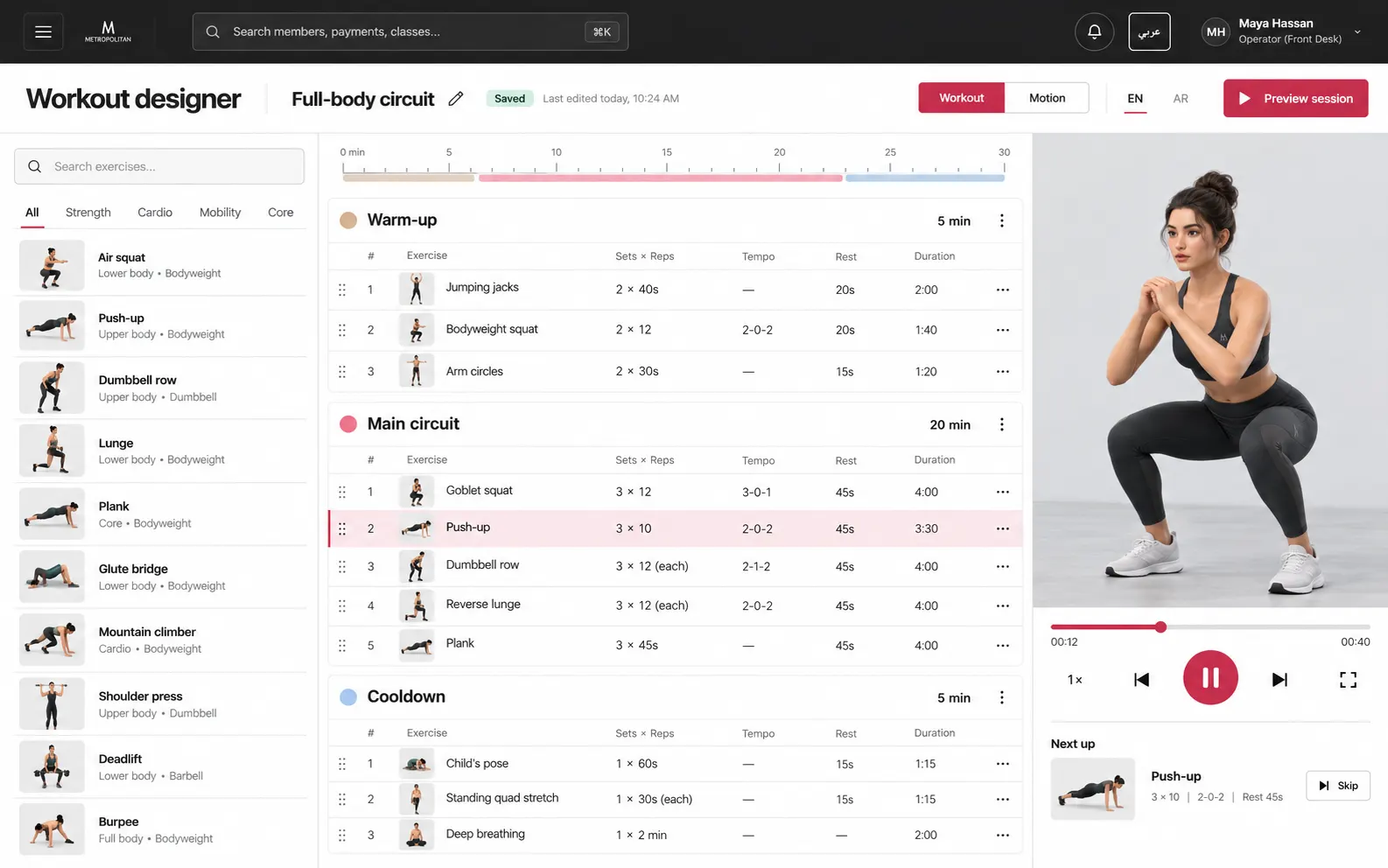
Club activity does not live in one screen. Metropolitan connects the records and workflows staff use throughout the day.
Access control and attendance reflect the member's entitlement.
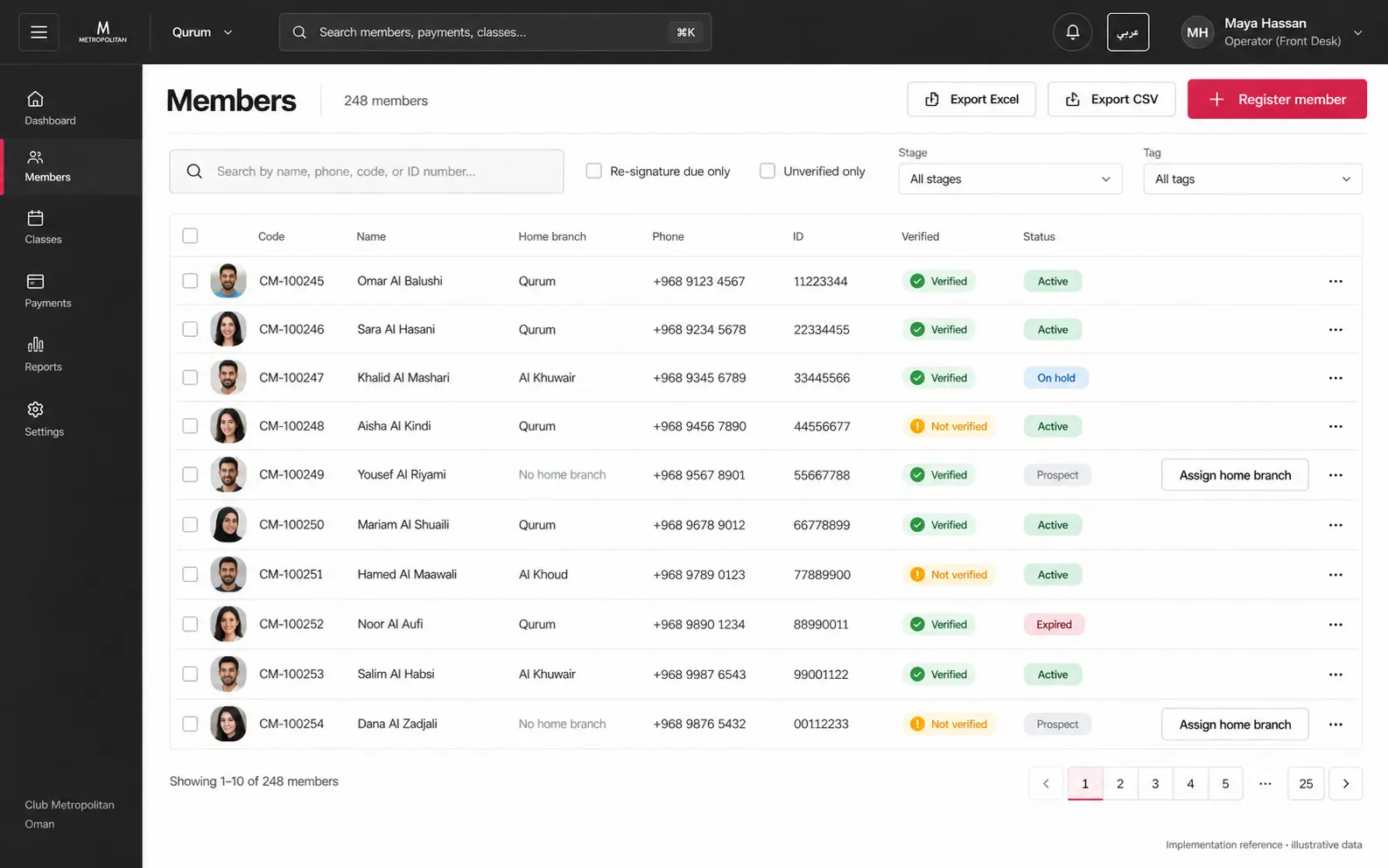
Staff manage members, memberships, sales and service.
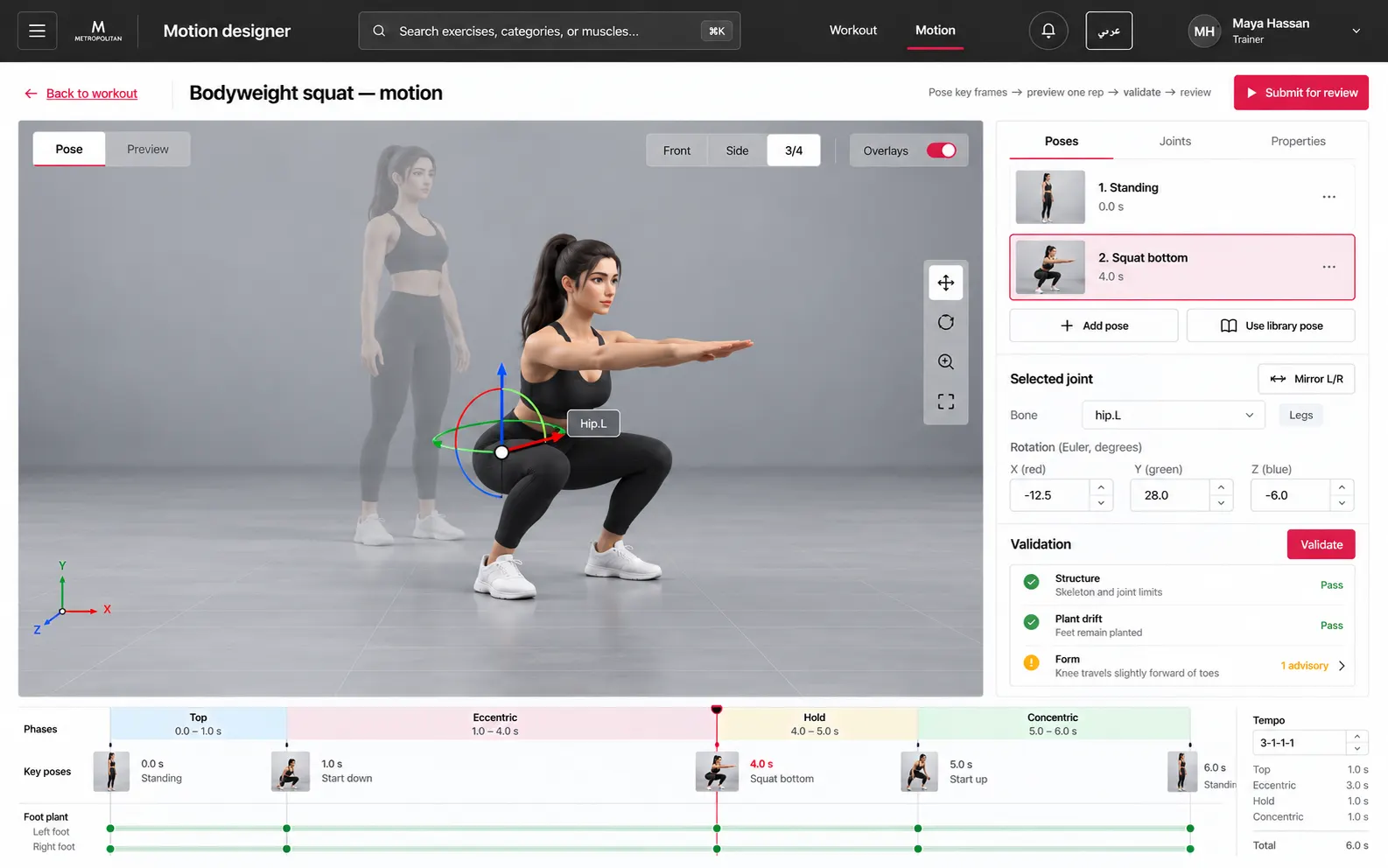
Classes, trainers and programs support the training day.
Billing, renewals and reporting keep the record connected.
The same club record supports the desk, the door and the member's next action. Explore the staff and member workspaces.
Member entitlements connect with the club's entry terminals and attendance record.
Staff handle plans, sales, renewals, billing and VAT in the operating system.
Schedules, bookings, trainers and programs keep the training day moving.
Members can see their membership, book classes and review their activity.
Metropolitan supports English and Arabic, Omani rial billing and VAT, with access terminals connected to club operations.
Each person sees the part of the club day they need.

Follow membership, financial and operational reporting across the club.

Handle the front desk, access, classes, sales and daily service.

View membership details, book classes and follow their attendance.
Give us the scale and areas you want to discuss. This planner makes a brief you can copy; it does not calculate a price because public rates have not been set.
New gyms begin in Metropolitan Account Hub. You submit your club information there, follow the request status and provide supporting documents. Approval is reviewed by the platform team; it is not automatic.
Use Metropolitan Account Hub to enter the signed-in request flow.
Have the gym name, country of operation and contact email ready. A business summary is optional.
The request can include PDF, PNG or JPEG documents. Account Hub shows the current file limits.
Watch the request status in Account Hub while the platform team verifies it.
This opens the existing request flow. Sign-in is required.
A dedicated contact channel for platform enquiries is being prepared. This section will carry the approved address or form when it is ready.